OUR IMPACT:
HOW WE DO WHAT WE DO
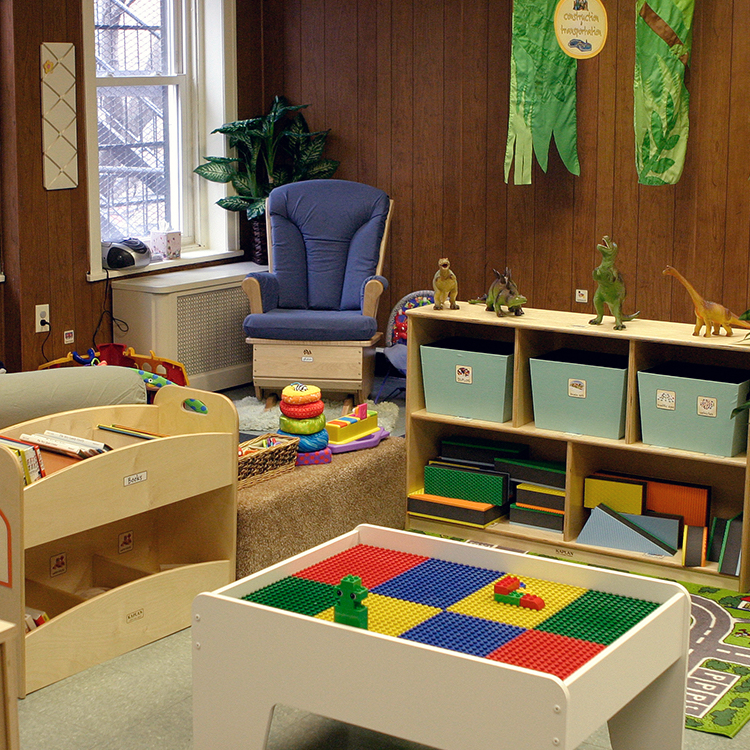
A colorful brightspace ready to be played in

Bright Spaces

Creating and sustaining the signature play spaces for those facing aversity, trauma, and crisis -- serving thousands of children and families nationwide.
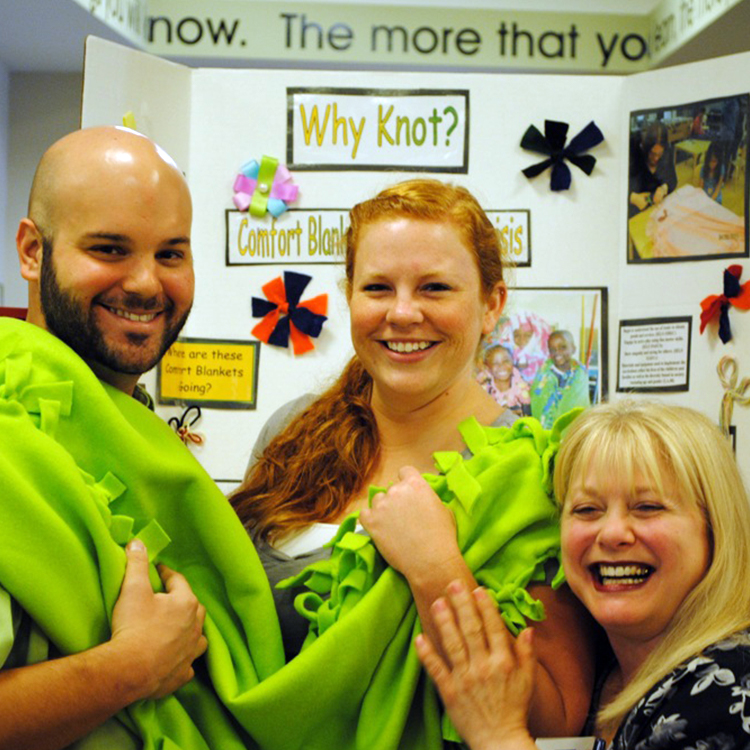
3 volunteers smile as they help build a brightspace

Brightening Lives Activities

Convenient and fun hands-on projects designed to connect volunteers to the real needs of communities, and the local charity and agency partners that serve them.
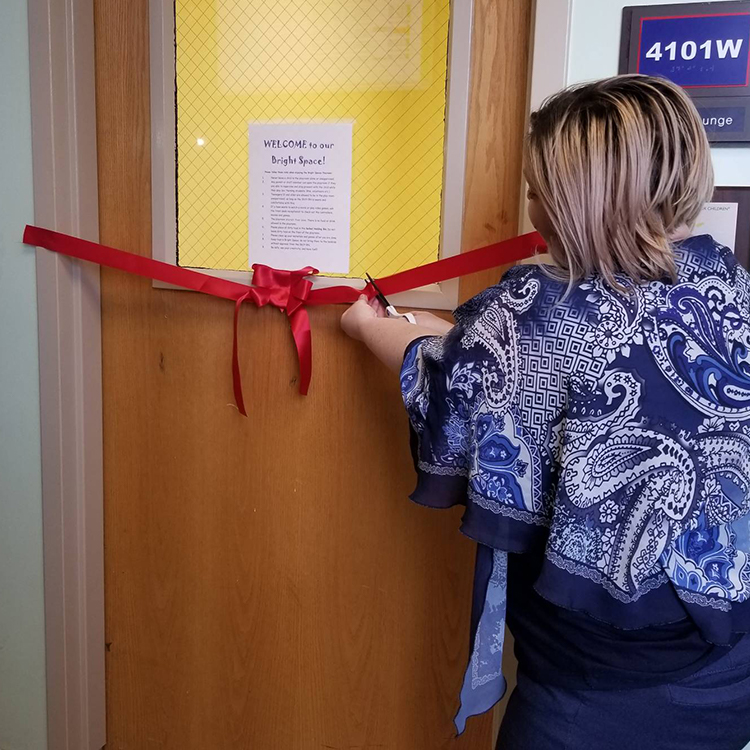
A volunteer cutting a ribon for a new brightspace opening

Gleason Volunteer Grants

Monetary contributions to nonprofit organizations at which Bright Horizons employees make significant volunteer impacts (open only to Bright Horizons employees).

Our Signature Program: Bright Spaces

Built by Foundation volunteers in homeless shelters and other community agencies, Bright Spaces unite Bright Horizons employees, clients, vendors, families, and friends in the important work of supporting children experiencing homelessness and other crises. So families have a place to be together, to be playful -- and for kids to just be kids.
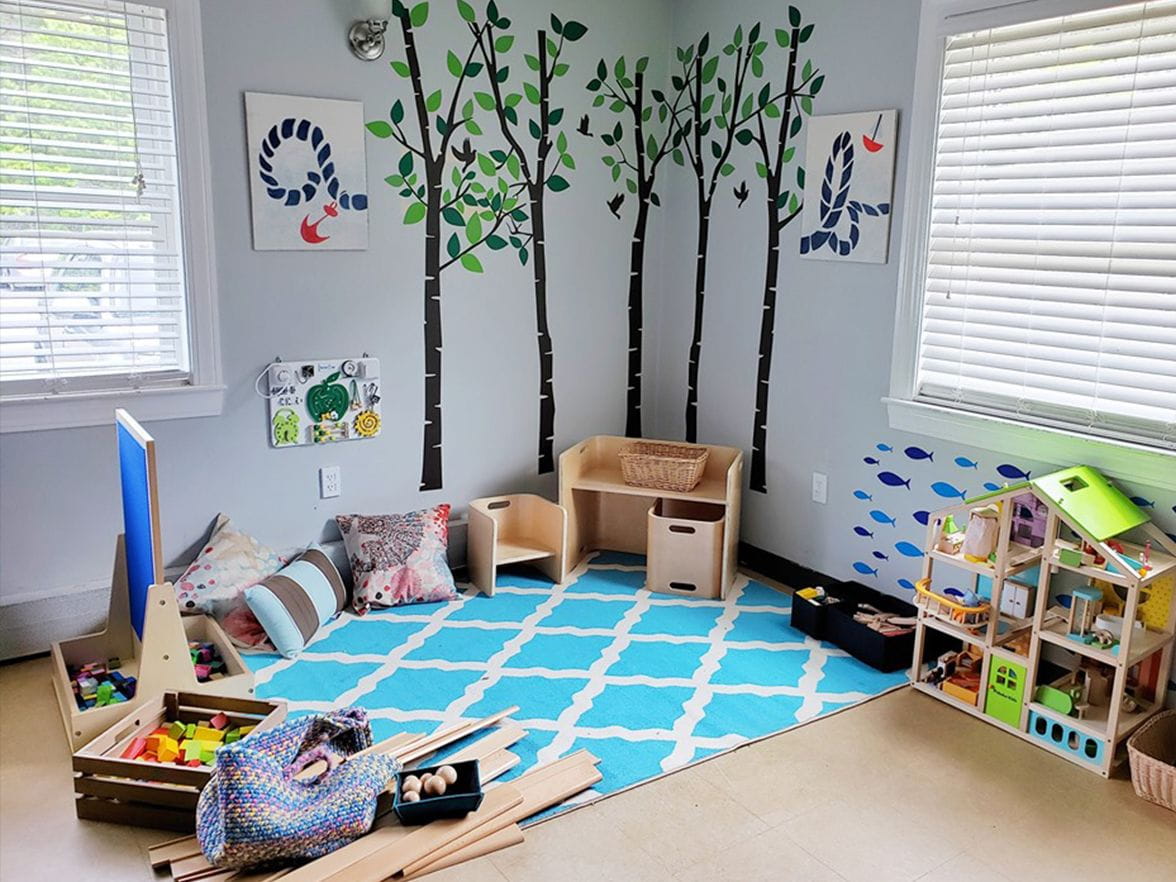
A Bright Horizons BrightSpace

A Passion for Volunteering

Hundreds of annual group projects unite employees in doing good, from assembling bikes, to raising funds, to putting parties in a box for children who otherwise wouldn’t celebrate a birthday. The common thread: employees with the desire to work together to make a difference.

A woman with face paint at a Foundation Bright Space

Contributing to a Cause

FUNdraising events – hundreds every year – are just some of the unique and creative ways employees embrace the mission of giving back, and show that the Bright Horizons Foundation is their Foundation.
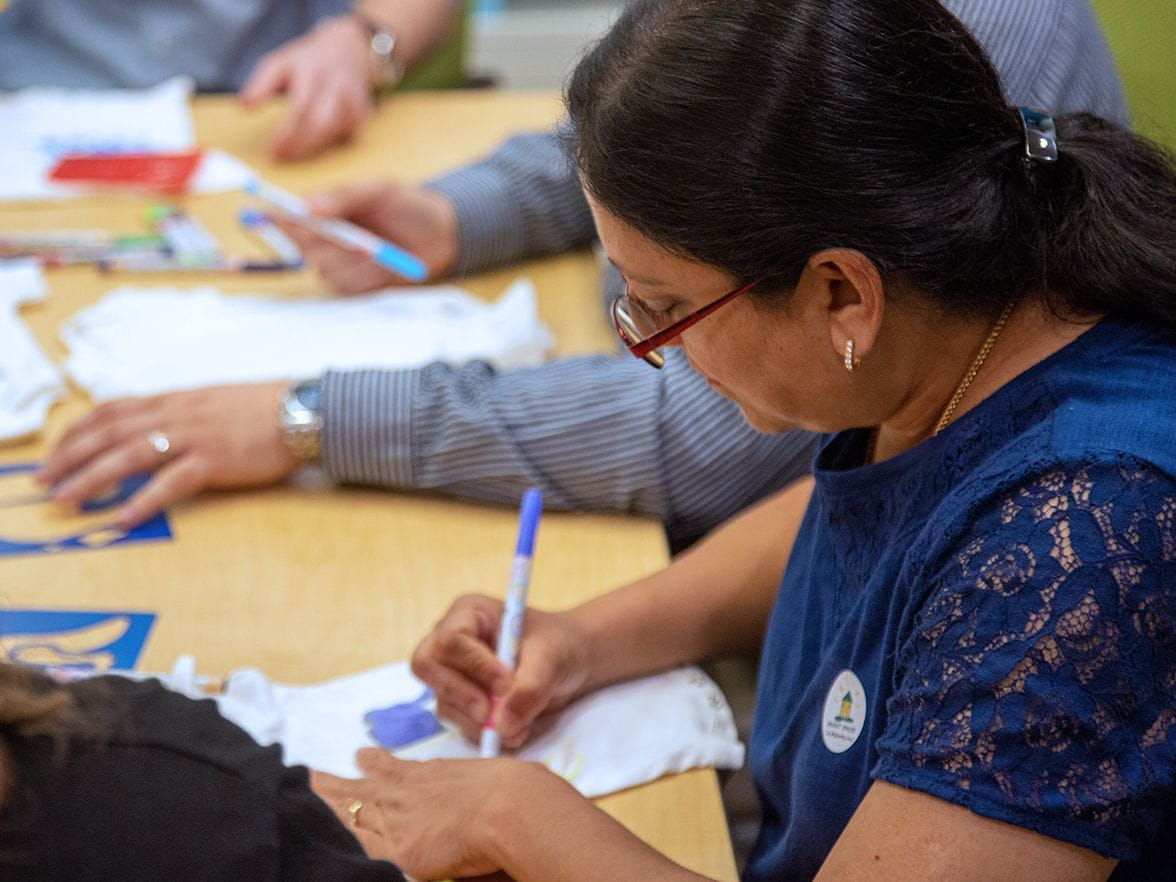
A volunteer fills out a form


Runtime Error

Server Error in '/' Application.

Runtime Error

Description: An application error occurred on the server. The current custom error settings for this application prevent the details of the application error from being viewed remotely (for security reasons). It could, however, be viewed by browsers running on the local server machine.

Details: To enable the details of this specific error message to be viewable on remote machines, please create a <customErrors> tag within a "web.config" configuration file located in the root directory of the current web application. This <customErrors> tag should then have its "mode" attribute set to "Off".


<!-- Web.Config Configuration File -->

<configuration>
    <system.web>
        <customErrors mode="Off"/>
    </system.web>
</configuration>

Notes: The current error page you are seeing can be replaced by a custom error page by modifying the "defaultRedirect" attribute of the application's <customErrors> configuration tag to point to a custom error page URL.


<!-- Web.Config Configuration File -->

<configuration>
    <system.web>
        <customErrors mode="RemoteOnly" defaultRedirect="mycustompage.htm"/>
    </system.web>
</configuration>